
MSG to PDF Converter
Complete solution to convert Outlook, Zimbra & MDaemon messages to Adobe PDF
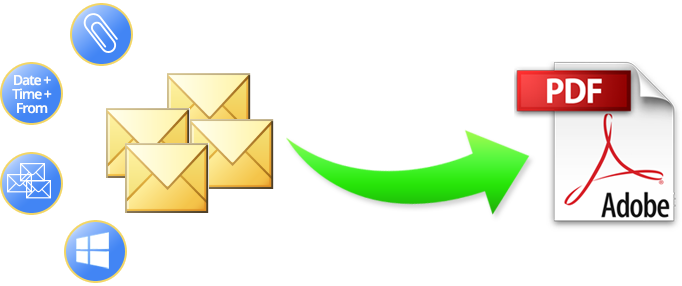
Amazing Ability to convert MSG to PDF
Without loss of single data get hassle-free procedure to convert .msg format files whether configured or orphan into .pdf format. This method ensure complete safety of the files data & keep all messages properties intact. When the process is done you can easily open & read the converted PDF files in any Adobe Reader version without any issues.
This advance tool do not require you to have any e-mail client install in the machine for migration. Just get the MSG files & they will be converted without issues.
Vital Software Features

Multiple MSG Conversion
To save time, store all messages in 1 folder then using “Add Folder having MSG File(s)…” option select the entire folder at once & convert them.

Options to Rename files
There are 8 File naming options like: use original file name, subject+date(DD-MM-YYYY), from+subject+date(DD-MM-YYYY), etc.

2 Attachment Saving mode
There are also 2 options available for saving attachment files. 1) Save Attachments & Embed in PDF file & 2) Save Attachments in Separate Folder.

Convert messages with formatting
Maintains the actual formatting of the emails - RTF or HTML. You can read the files in the same design layout, with exact font, links, signature, etc.

Also saves images
It will also keep the embedded images of emails in the PDF file, whether they are in jpeg, png, gif or other format. The tool will also not compromise with their size.

Maintains Meta-Attributes
Every email has its own metadata attributes. It will keep accurate metadata (email ids, date & time of send/receive, subject line, etc) in the documents header.

Compatibility with Adobe versions
Adobe Reader install to carry on the process. Once you are done with the migration, then you can open/read the files in any Adobe version up to 11.0 version.

Compatibility with Windows OS
Software will run with Windows Machine only. Install & run the tool in Windows 8.1, 8, 7, Vista, XP, 98, 97, NT, ME, etc.
Quick Conversion is Possible

Detailed description of all the conversion steps are listed here »
For better understanding about the programs working, all you have to do is click on the download button & you will get FREE software trial. With the freeware edition you can convert 1 .msg file into .pdf format. To convert more or unlimited files, you can purchase the license version of the software, which gives you restriction free process at only 49 USD.